Electronics Store POS Software for Devices, Accessories and High-Value Inventory
MTPOS helps electronics retailers sell TVs, audio, cameras, gaming, smart-home products, wearables, accessories and services while connecting secure checkout, detailed product catalogs, serialized inventory, purchasing and multi-store operations.
Keeping fast-changing products and inventory under control
One sale can span several departments
Combine a main device with cables, mounts, cases, storage, service agreements and other related products.
High-value products require item-level control
Track eligible products with serialized inventory and allocate the exact unit selected for the transaction.
Customers expect fast comparison and confident advice
Organize technical attributes, categories and related products so employees can build a complete solution.
Trusted by Enterprises Worldwide
Enterprise-grade capabilities with the flexibility electronics retailers need
MTPOS combines secure payment processing with practical tools for managing product information, serialized and non-serialized stock, purchasing, promotions, customer programs and multi-location operations.
From the feature wall to the smallest accessory, every part of the sale matters
Electronics retail is rarely about a single SKU. MTPOS helps employees connect the main product with the supporting items and services that make it useful from day one.
Sell the Main Device
Support TVs, audio equipment, cameras, gaming systems, smart-home devices, wearables and other electronics.
Attach Accessories
Add cables, cases, mounts, chargers, memory, storage, adapters and other related products in the same transaction.
Add Services and Agreements
Include configured service agreements, warranties, contracts, digital goods and other eligible services.
Track the Exact Unit
Use serialized inventory and serial-number allocation for eligible high-value electronics.
Help customers compare what matters without overwhelming them
Organize products by category, brand, model and relevant technical attributes so employees can quickly narrow the options and explain meaningful differences.
Technical Attributes
Configure useful product details such as size, capacity, connectivity, resolution, power, compatibility and other category-specific specifications.
Clear Categories
Organize home entertainment, audio, cameras, gaming, smart-home, wearables, accessories and other departments.
Related Products
Connect main products with suitable accessories, add-ons, services and configured promotions.
Digital and Physical Goods
Manage physical products, digital goods and services in one flexible catalog structure.
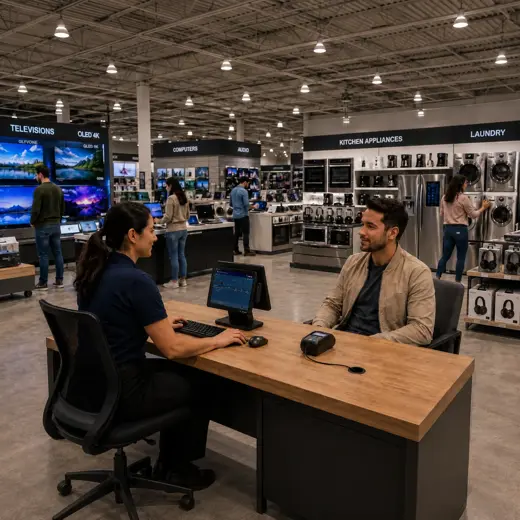
Protect margin and customer confidence with better control of high-value products
Electronics stores often manage a combination of serialized devices and fast-moving non-serialized accessories. MTPOS supports both within the same retail operation.
- ✓ Track serialized and non-serialized products
- ✓ Allocate serial numbers to the correct sale
- ✓ Create purchase orders and receive inventory
- ✓ Use minimum and maximum levels for replenishment
- ✓ Transfer stock between stores and warehouses
- ✓ Perform cycle counts and inventory audits
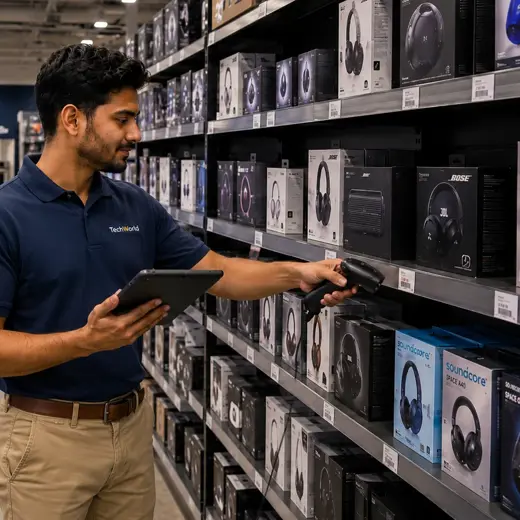
Build offers around complete setups instead of isolated discounts
Use advanced promotions and configured bundles to support seasonal campaigns, product launches, accessory attach sales and customer-specific offers.
MTPOS can also surface relevant products during order creation, helping employees identify natural cross-selling and upselling opportunities.
Accessory Attach Sales
Pair the main item with cables, mounts, chargers, cases, storage, adapters and other useful add-ons.
Featured Products
Highlight new arrivals, seasonal priorities and products the store wants employees to actively present.
Customer Programs
Use rewards, store credit, pay-on-account and gift cards to encourage repeat purchasing.
Employee Sales Commission
Support commission workflows for stores that reward performance and complete-solution selling.
Guide the customer from comparison to a complete, trackable purchase
Understand the Need
Identify the category, intended use, required features and budget before narrowing the product selection.
Compare Suitable Products
Use categories and technical attributes to explain relevant differences between models.
Confirm Availability
Check local stock and determine whether an item is available at another store or warehouse.
Complete the Setup
Add accessories, service agreements, promotions and other configured items that fit the main product.
Allocate and Complete
Allocate the exact serialized unit when required, process payment and keep the sale connected to reporting.
Support reservations, returns and repeat purchasing without losing the customer context
Electronics purchases are often considered decisions. Customers may reserve a product, return for an accessory, use store credit or make a later purchase through a customer program.
Reservations
Hold selected or incoming products for customers when the selected plan and store configuration support reservations.
Returns and Exchanges
Keep payment and inventory activity connected when eligible products are returned or exchanged.
Store Credit and Gift Cards
Provide flexible ways for customers to return, exchange and purchase again.
Rewards and Pay on Account
Support configured customer relationships for repeat purchasing and account-based sales.
Available capabilities depend on the selected MTPOS plan and store configuration.
Keep checkout fast even when the basket is complex
MTPOS connects supported payment processing to the wider retail workflow, from simple accessory sales to high-value serialized transactions.
Card and Contactless Payments
Accept supported credit cards, debit cards, EMV, tap, swipe and contactless mobile payments.
PCI-Compliant Processing
Use PCI-compliant payment processing with end-to-end encryption through supported integrations.
Flexible Payment Methods
Support cash, cards, wire, PayPal, Stripe, checks and other configured payment methods.
Multi-Currency
Support configured multi-currency workflows for retailers that serve international or tourist customers.
Payment capabilities depend on the selected integrations, plan and configuration.
Match the selling experience to the product and the customer
Keep complex purchases assisted while giving customers and employees more flexibility for straightforward transactions.
Mobile POS
Help customers and check product or stock information away from the fixed counter.
Online Store
Extend selected products online while keeping operations connected to the MTPOS platform.
Selective Self-Checkout
Use self-checkout where suitable for simple accessory purchases while keeping complex electronics sales assisted.
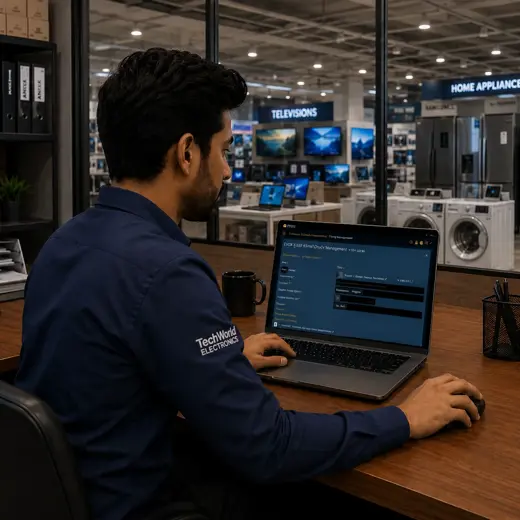
One platform for checkout and the operation behind it
Point of Sale
Process mixed baskets of devices, accessories, digital goods and services in one retail workflow.
Serialized Inventory
Track eligible high-value electronics by serial number and allocate the exact unit to a transaction.
Non-Serialized Inventory
Manage cables, cases, mounts, adapters, chargers and other fast-moving accessories efficiently.
Purchase Orders
Support purchasing, receiving and replenishment for products across multiple electronics categories.
Advanced Promotions
Create configured offers, bundles and promotions around products, services and related items.
Multiple Stores and Transfers
Coordinate stock movement and operational visibility across stores and warehouses.
Cash Management
Manage configured registers, safes, bank deposits, change orders and daily cash activity.
Data Import
Accelerate catalog and operational onboarding through supported data-import capabilities.
Available capabilities depend on the selected MTPOS plan, integrations and store configuration.
Expand your electronics operation without losing control of products, stock or customers
Start with one location and expand to more users, registers and stores while maintaining centralized product, inventory, payment and customer control.
For larger rollouts, custom requirements or private-cloud deployment, MicroTelecom also provides an enterprise path.
Choose the Right MTPOS Edition
Match your operation with the required level of serialized inventory, promotions, registers, customer programs, online selling and multi-store control.
Questions Electronics Retailers Ask Before Choosing a POS
Turn product variety into a clearer, faster and more complete selling experience
Use MTPOS to connect product information, serialized inventory, purchasing, promotions, payments and customer programs in one cloud retail platform.