Cell Phone Store POS Software Built for Devices, Accessories and Serialized Inventory
MTPOS helps cellular retailers sell devices and accessories, track serialized inventory, manage trade-ins and service agreements, process secure payments, and oversee one or multiple stores from one cloud-based platform.
Managing devices, plans, accessories and customer service
A phone is not an ordinary SKU
Track high-value devices through serialized inventory and allocate the exact unit selected for each transaction.
The device is only part of the sale
Connect phones with compatible accessories, services, promotions and agreements in one structured workflow.
Inventory must move without losing control
Coordinate reservations, trade-ins, receiving and transfers across one or multiple cellular-store locations.
Serialized Inventory
Track phones and other serialized products by unique identifier.
Accessories and Bundles
Connect devices with cases, chargers, audio products and services.
Trade-Ins and Agreements
Support common cellular-retail workflows beyond a basic product sale.
Multi-Store Visibility
Move stock and monitor operations across locations.
A POS That Understands the Difference Between a Phone and a Phone Case
Cellular stores sell a mix of high-value serialized devices, fast-moving accessories, services and customer agreements. MTPOS gives each part of that sale the right level of control instead of treating every product as an ordinary SKU.
Device-Level Control
Use serialized inventory and serial-number allocation to identify the exact unit selected for a transaction.
Accessory Attach Sales
Surface compatible cases, chargers, screen protection and related products while the device decision is still being made.
Service and Agreement Selling
Include services, service plans or agreements in the same structured customer workflow when configured for your operation.
Customer History and Follow-Through
Keep reservations, store credit, rewards and pay-on-account activity connected to the broader customer relationship.
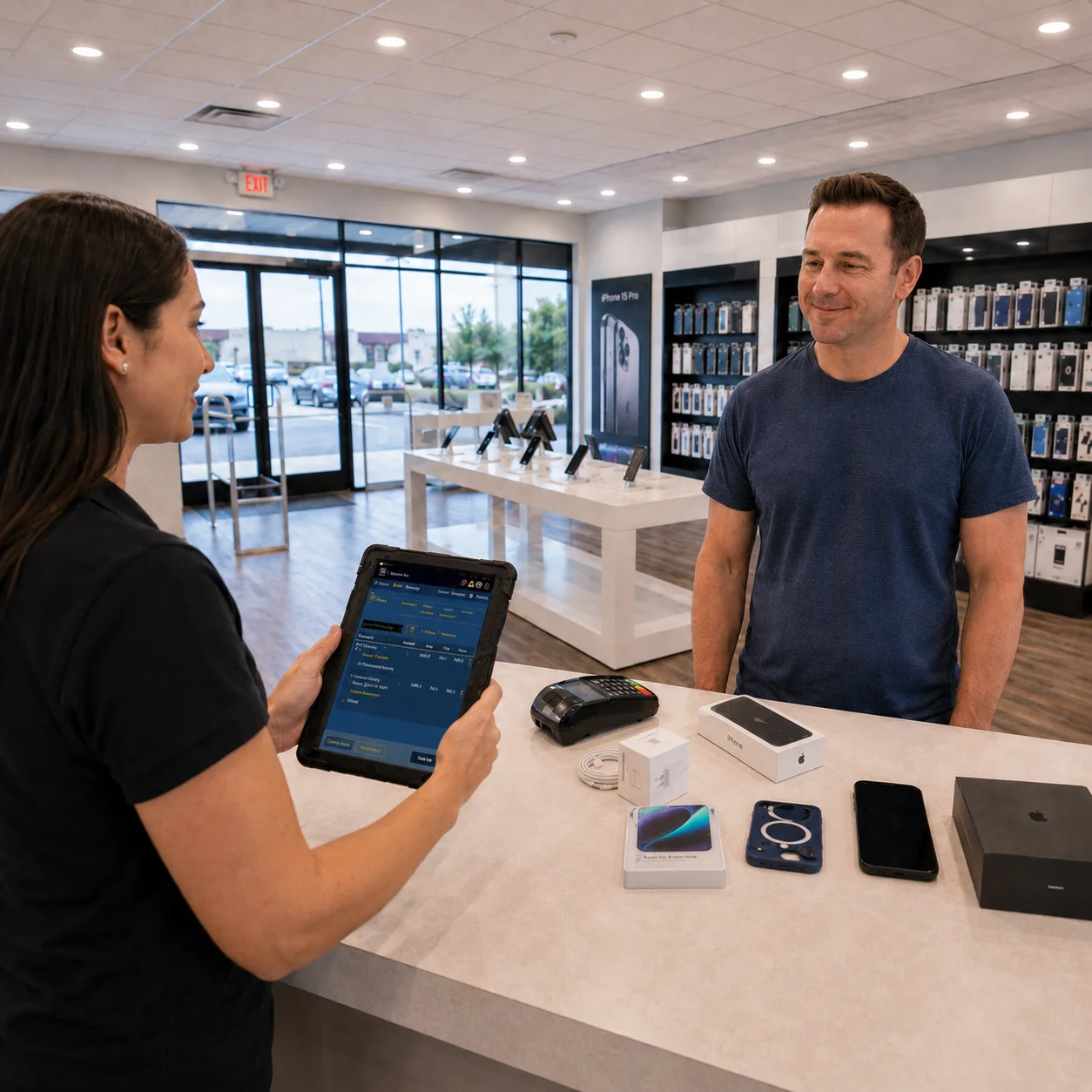
From Device Selection to a Complete Customer Solution
Help staff move through a complex sale without losing speed or accuracy.
Select the Device
Navigate smartphones, tablets, connected devices and related products through clear categories and product attributes.
Allocate the Exact Unit
Assign the correct serial number or IMEI-type identifier to the sale when the product is managed as serialized inventory.
Add Accessories and Services
Present related accessories, agreements, promotions, gift cards or other configured services in the same transaction.
Complete and Track the Sale
Process payment, record trade-in or reservation activity, and keep the transaction connected to store and inventory reporting.
Organize Devices, Accessories and Services Without Overwhelming the Sales Team
MTPOS includes advanced catalog management for physical goods, digital items and services, with product features, custom attributes, service plans, promotions, related products, featured products and best sellers.
The built-in AI engine can help surface relevant products during the order process, creating practical upsell and cross-sell opportunities for accessories and services that fit the selected device.
Explore Catalog ManagementDevice Attributes
Organize models by storage, color, condition, category and other product characteristics relevant to your assortment.
Compatible Accessories
Use related-product logic to make device-compatible accessories easier for staff to find and recommend.
Promotions and Bundles
Offer advanced promotions and bundles based on the selected products and related items.
Trade-In and Reservation Workflows
Support incoming-device trade-ins and reserve selected stock for a customer when those workflows apply.
Know Which Device Is in Which Store Before the Customer Asks
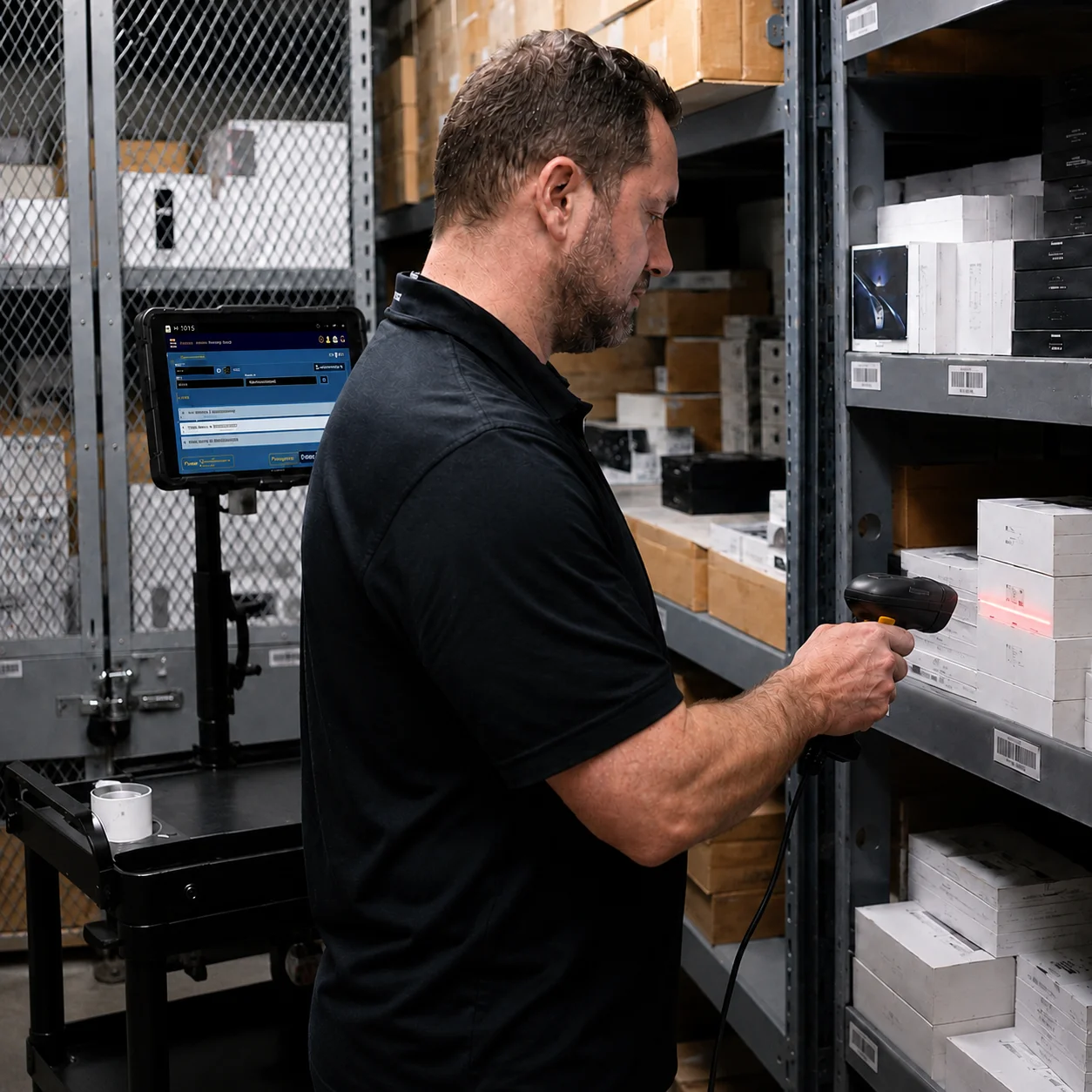
MTPOS brings the management tools to where the work happens, instead of forcing the work to come back to a fixed station. Staff can receive, allocate, count and transfer inventory from supported devices in the stock room or on the sales floor.
- ✓ Track serialized devices and non-serialized accessories
- ✓ Allocate serial numbers to the correct transaction
- ✓ Create purchase orders and receive new inventory
- ✓ Transfer devices and accessories between stores
- ✓ Use reservations to hold selected products for customers
- ✓ Use data import to accelerate catalog and inventory onboarding where supported
Manage the Sale, the Stock and the Customer Relationship
MTPOS gives cell phone stores the operational depth needed beyond checkout.
Secure Payment Processing
Accept credit and debit cards through secured EMV, tap or swipe, along with supported mobile payments such as Apple Pay and Google Pay.
Registers and Cash Control
Manage registers, bank deposits, cash-safe activity and payment-method controls according to the selected edition.
Customer Programs
Support rewards, store credit, pay-on-account and gift cards for repeat customer and account-based selling.
Employee Sales Commission
Support employee sales commission workflows for stores that reward performance and accessory attachment.
eCommerce and Online Store
Extend products and accessories online while keeping store operations connected to the MTPOS platform.
Mobile POS Access
Let staff work from supported tablets and mobile devices on the sales floor or in the stock area.
Learn About Mobile POSScale Cellular Retail Without Losing Control of High-Value Inventory
Start with one location and expand to more registers, users and stores while maintaining centralized catalog, inventory and customer control. Store transfers help move the right products to the locations where they are most likely to sell.
For larger rollouts, custom requirements or private-cloud deployment, MicroTelecom also provides an enterprise path.
Choose the Right MTPOS Edition
Match your operation with the right level of serialized inventory, promotions, registers, customer programs, online selling and multi-store control.
Questions Cellular Retailers Ask Before Choosing a POS
Connect Device Sales, Serialized Inventory and Customer Growth
Give your team a faster selling workflow while keeping high-value stock, accessories, trade-ins and multi-store operations under control.
Start Your Free Trial