Turn support email into Help Desk tickets
Turn incoming support email into a new ticket or an update to an existing conversation while keeping the customer context intact.
MicroTelecom Help Desk
Bring help desk tickets, email-to-ticket conversations, customer history, knowledge, assignments and support performance into one focused cloud Help Desk system.
Help Desk ticket management
Your team gets the structure needed to respond consistently without turning customer support into an oversized IT project.
Turn incoming support email into a new ticket or an update to an existing conversation while keeping the customer context intact.
Assign, route, prioritize and escalate requests so the team always knows who is responsible for the next action.
See earlier questions, responses, service activity and outcomes before replying to the next request.
Create internal and customer-facing articles so verified answers improve support long after one ticket is closed.
Real software for real support teams
This production Help Desk system brings ticket tools, daily service reporting, knowledge and access control into one console. Role-based access helps every user begin with the tools appropriate to their customer support work.
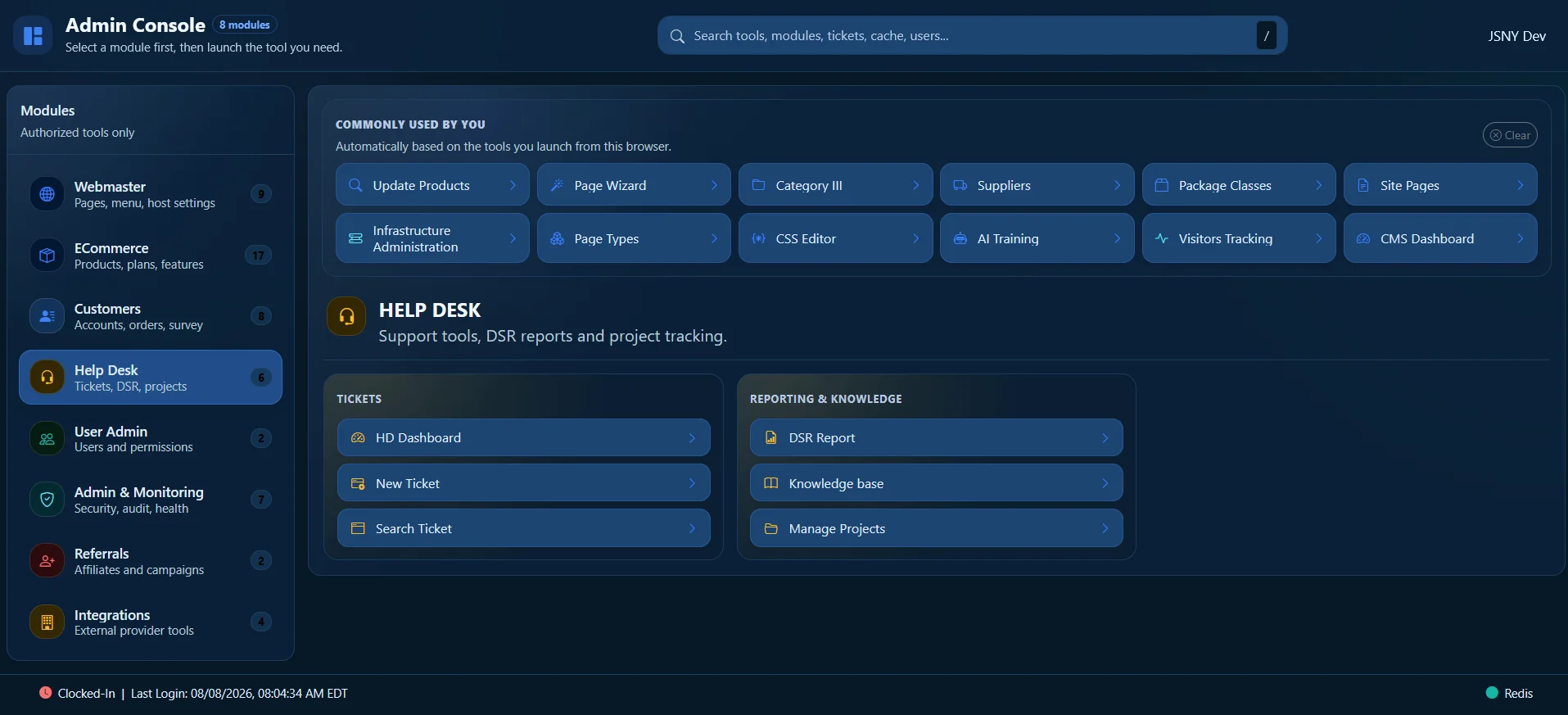
A professional cloud-based Help Desk
Start with customer ticket management, then give agents, managers and customers the access, knowledge and operational visibility appropriate to their role.
Help Desk workflow
A focused Help Desk gives agents enough context to act, managers enough visibility to support them, and customers a consistent experience from first contact through resolution.
Try the Help Desk freeEmail, portal, chat or operator-created requests enter a shared queue.
Priority, ownership, alerts and escalation rules make the next action clear.
Agents work with the customer history, internal notes and approved knowledge in view.
Reports reveal workload, response patterns and opportunities to improve service.
Help Desk reporting and operations
Help Desk tools stay practical for daily customer care while adding the reporting, coordination and oversight a growing support team needs.
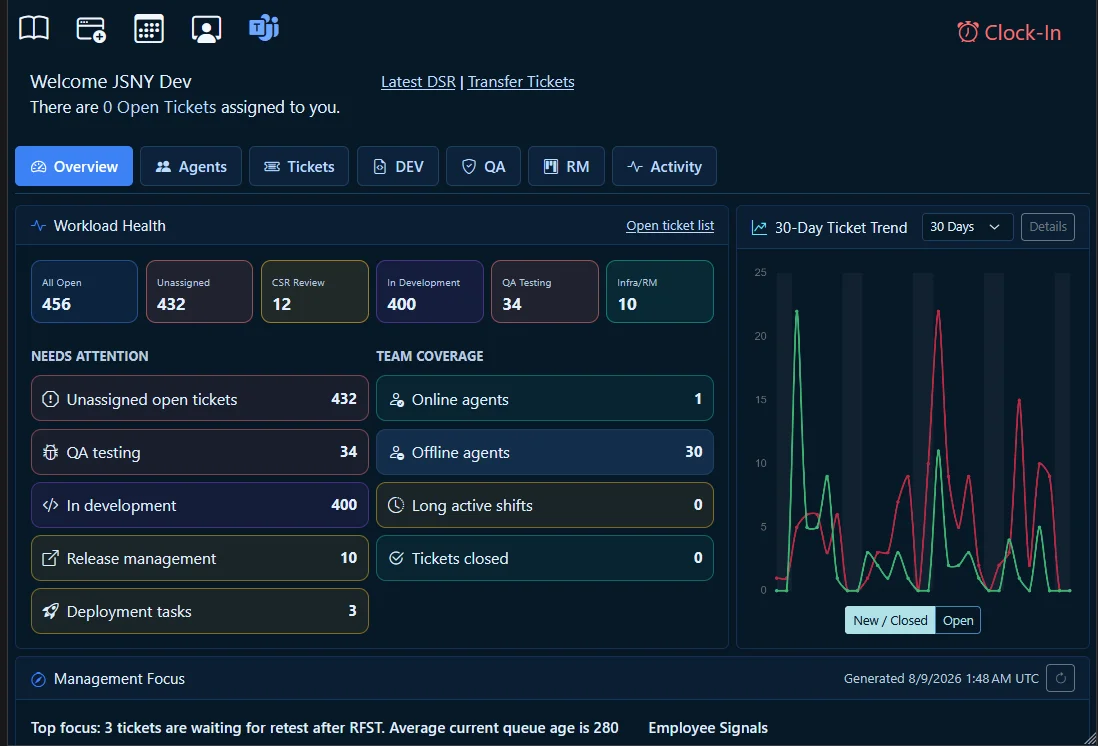
Track priority and age, notify the right people and escalate requests before customers are left waiting.
Capture completed work, unresolved concerns and follow-up items in an organized daily service report.
Use login, logout and shift reporting to see availability and support continuity across teams.
Connect Help Desk activity with Teams so conversations and operational follow-up stay aligned.
Bring alerts into the support process so an issue can be owned, investigated and followed through.
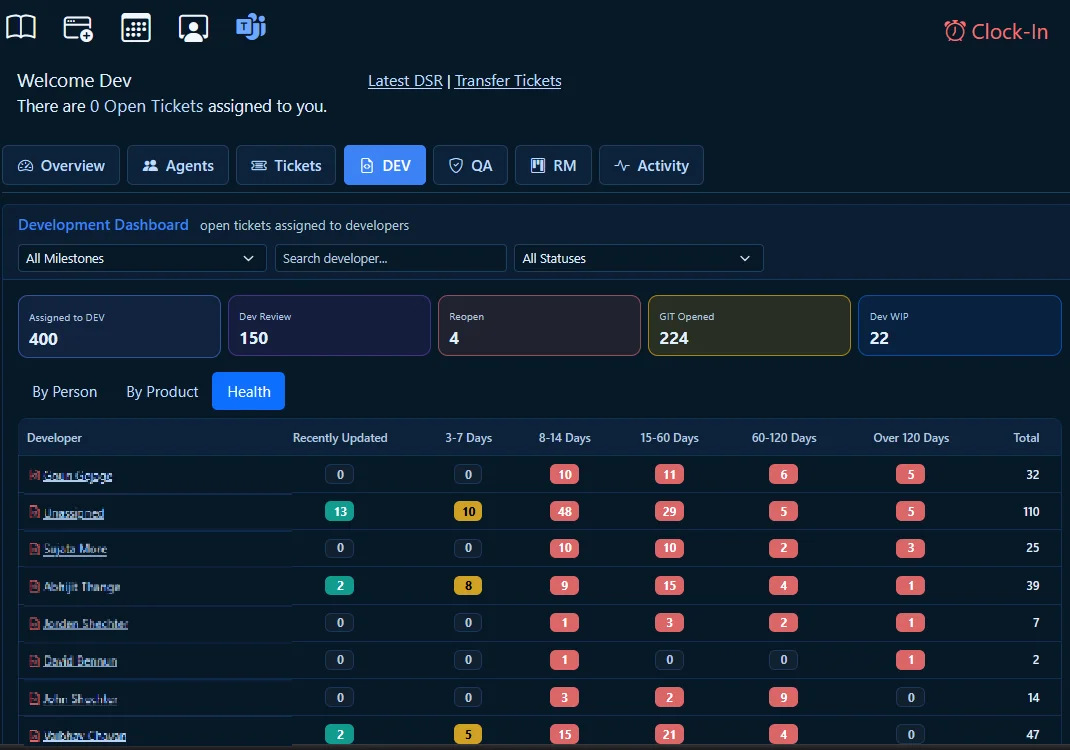
Review workload, response, resolution and agent activity to identify queues or resources that need attention.
Why MicroTelecom built its Help Desk
After more than 15 years working with third-party Help Desk systems, we repeatedly encountered products that were too expensive, unnecessarily complicated, difficult to use on mobile devices or missing capabilities our teams needed.
So we built the system we wanted to use ourselves: professional customer ticketing, controlled knowledge, practical agent oversight and daily operational tools without forcing every customer into a complex Service Desk implementation.
MicroTelecom uses the same platform in its own operation. Your team is evaluating a working production system, not a collection of features designed only for a sales demonstration.
Choose the right scope
Neither is the “wrong” product. The right choice depends on where the work ends after a customer reports an issue.
Choose Help Desk when your priority is organized, responsive customer support with clear ownership and service history.
Choose Service Desk when customer issues must continue into QA, development, testing, release and deployment workflows.
Common questions
A focused starting point for customer-facing support teams.
No. It can organize customer service, technical assistance and other support operations where requests need ownership, history, escalation and a documented resolution.
Yes. Incoming email can create a ticket or continue an existing ticket conversation so agents can work from an accountable queue without losing the original context.
Yes. Managers can review assignments, activity, response and resolution patterns, operator reporting and workload to recognize where support may need attention.
Yes. The Help Desk is designed for use from PCs, tablets and mobile devices so agents and managers can reach support information away from a traditional workstation.
Agents can work from internal or public knowledge connected to the ticket. When verified guidance is not available, the response can follow an approval path instead of sending uncertain information to the customer.
Choose Service Desk when customer issues regularly become QA, development, testing, release or deployment work. If the goal is efficient customer support and ticket resolution, Help Desk is the focused choice.
Yes. Begin with the customer-support functions your team needs and evaluate the fit during the 30-day free trial.
30 days to see how it fits