Item-Level Inventory Control
Serialized Inventory Management with Item-Level Traceability
Track individually identified products through receiving, stock movement, reservations, allocation, sales, returns and inventory counts while preserving the identity and operational history of each unit.

Beyond Quantity
Know Which Exact Unit You Have, Not Only How Many
Quantity-based inventory tells you that five units are available. Serialized inventory can tell you which five units they are, where each one is located and how each unit reached its current state.
Unique Identity
Track eligible products using serial number, IMEI, ICCID or another configured identifier required by the product and workflow.
Current Location
Maintain visibility as individually identified products move through permitted stores, warehouses and inventory locations.
Movement History
Preserve the relationship between the individual unit and inventory activity such as receiving, transfers, counts and adjustments.
Transaction Context
Associate the exact serialized unit with the transaction, reservation, allocation or other supported workflow that uses it.
Serialized Inventory Lifecycle
Follow an Individual Item Through the Operation
MTPOS maintains item identity while authorized users perform the inventory and retail workflows associated with that product.
Receive
Receive inventory and capture the individual identifier required for the serialized product.
Identify
Establish the item-level identity that distinguishes the unit from other products with the same SKU.
Locate
Maintain visibility into the store, warehouse or configured inventory location holding the item.
Transfer
Move the specific serialized unit between authorized locations while preserving its movement history.
Reserve or Allocate
Hold or allocate the appropriate individual unit when the retail workflow requires a specific item.
Sell or Fulfill
Connect the selected serialized item with the transaction or fulfillment activity that removes it from available stock.
Return
Identify the exact item during supported return, exchange, RMA or related after-sale workflows.
Count & Audit
Verify that individually tracked units match the physical inventory and investigate discrepancies.
Connected Inventory Operations
Serialized Items Remain Part of the Wider Inventory Workflow
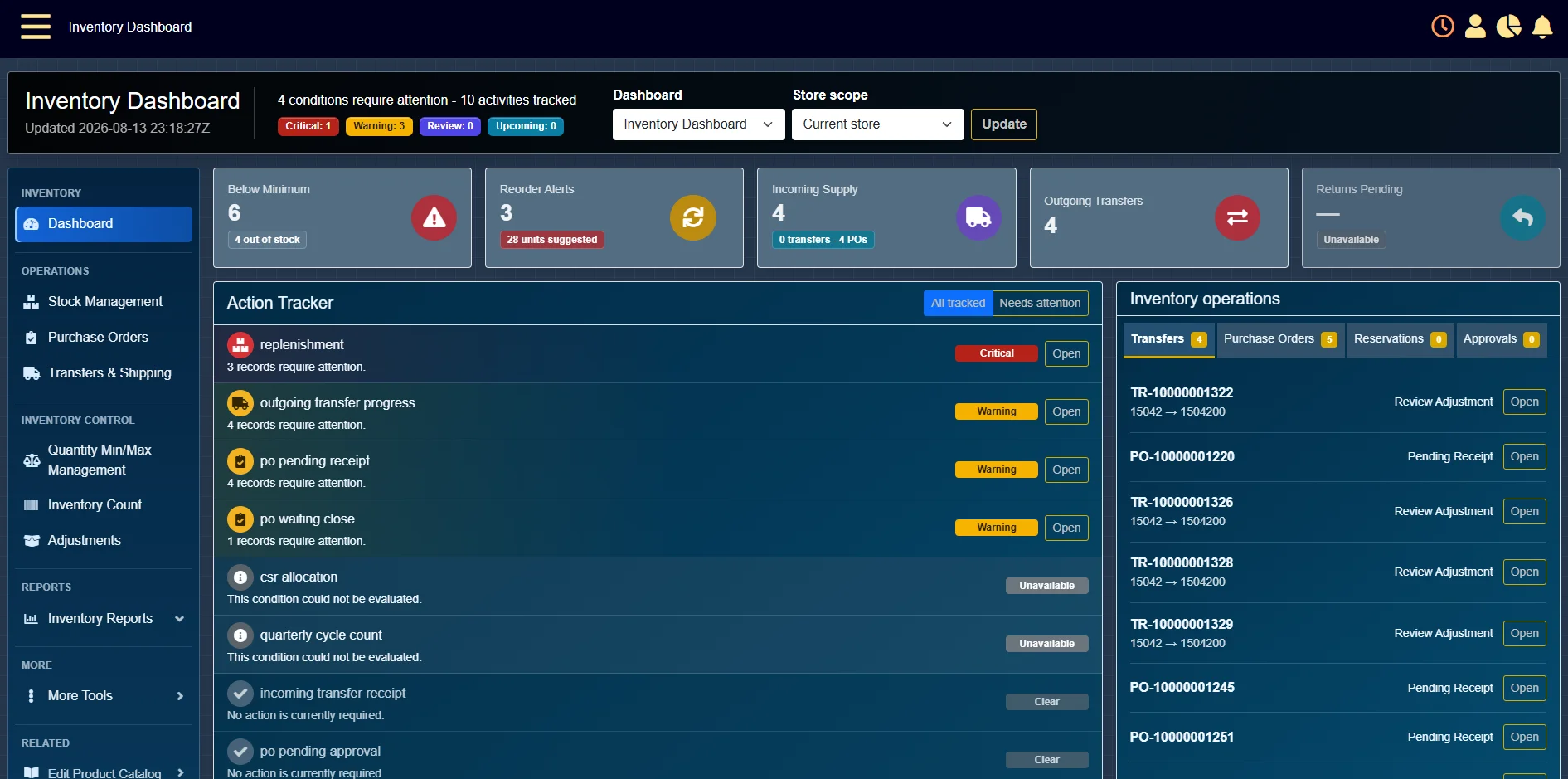
Serialized and non-serialized products can be managed within the same inventory environment while each type retains the level of control its workflow requires.
Item Identity
Use the Identifier the Product Requires
Different industries identify high-value products in different ways. MTPOS can support item-level tracking using the identifier configured for the product and deployment.
Track individually serialized products and assets.
Support individually identified mobile devices where IMEI tracking applies.
Track ICCID-based products where the telecom workflow requires it.
Support another approved enterprise product identifier when defined by the deployment.

Mobile Inventory Workflows
Scan and Manage Serialized Inventory Where the Work Happens
Supported mobile devices allow authorized users to work with inventory on the sales floor, in the stockroom or inside a warehouse instead of returning to a fixed workstation.
Capture incoming serialized inventory near the products being received.
Verify individual units during physical inventory and partial counts.
Identify the exact units being moved between approved locations.
Access authorized item and stock information while working away from a fixed register.
One Catalog, Different Inventory Requirements
Manage Serialized and Non-Serialized Products Together
A retail operation does not have to choose one inventory model. The same catalog can contain products that require individual tracking and products that are managed primarily by quantity.
Serialized Inventory
Follow the Individual Unit
Use item-level identity when the exact product matters for movement, allocation, transaction history, return, audit or other operational processes.
Non-Serialized Inventory
Manage Inventory by Quantity
Use quantity-based inventory for products where individual unit identity is not required, while continuing to manage stock, movement and availability.
Related, But Different
Serialized Inventory Answers a Different Question from Warehouse Management
Warehouse Inventory Management focuses on receiving, replenishment, transfers, stock locations, fulfillment and counts across owned inventory locations.
Serialized Inventory Management focuses on the identity and traceability of the individual unit as that product participates in those workflows.
Need Broader Warehouse Control?
Explore warehouse receiving, replenishment, transfers, fulfillment and inventory-count workflows.
Explore Warehouse Inventory ManagementWhere Item Identity Matters
Built for Products That Cannot Be Treated as Anonymous Units
Serialized tracking is particularly useful when products are high value, individually identifiable or must remain associated with a specific transaction or operational history.
Mobile Devices
Phones, tablets and individually tracked telecom products.
Electronics & Computers
High-value electronics, computers and individually identified equipment.
Equipment & Tools
Eligible equipment or high-value tools that require unit-level accountability.
Serialized Assets
Other individually identified products whose identity must remain visible through inventory activity.
One Store to Enterprise
Keep Item-Level Control as the Operation Expands
Serialized inventory can participate in single-store, multi-store and enterprise MTPOS environments while maintaining centralized visibility and role-based operational control.
Serialized Inventory Management
Track the Individual Item Through the Retail Lifecycle
Tell us what products you need to identify, where inventory moves and which receiving, sales, transfer, return and audit workflows your operation requires.